I Tried Every Note App for 10 Years. Obsidian + Git Is the One That Stuck.
Ten years of app-hopping. Apple Notes, Evernote, Notion, all of them. Obsidian with Git sync and Claude Code for organization is the first setup that lasted.


I have been carrying notes with me for over ten years. Physical notebooks, Apple Notes, Evernote, Notion, random .txt files on my desktop, Google Keep for a weird two-month period I do not talk about. Every couple of years I would try a new app, convince myself this is finally the one, migrate half my stuff over, and then slowly abandon it.
The pattern was always the same: excitement, setup, initial organization burst, gradual neglect, chaos, repeat.
At some point I realized the problem was not the apps. The problem was that none of them let me actually own my notes. Everything was locked behind some sync service, some proprietary format, some subscription. My own thoughts, held hostage behind a monthly fee. That felt wrong.
Writing Is How I Think
I am a writing person. Not in the "I want to be a novelist" way, but in the "I cannot think clearly until I write it down" way. An idea in my head feels huge and overwhelming. The same idea written down is usually just two sentences and suddenly very manageable.
Living as an expat in Germany, this has saved me more than once. New country, new language, new bureaucracy, new everything. When things pile up and my brain starts spinning, I write. Sometimes a to-do list. Sometimes just a brain dump with no structure at all. The act of getting it out of my head and onto a page gives me perspective. It turns anxiety into a checklist. And checklists I can handle.
So for me, a note-taking system is not just a productivity tool. It is how I keep my head straight.
The Graveyard of Note Apps
Let me be honest about what I tried and why each one failed.
Apple Notes. Pretty, syncs across Apple devices, actually decent. But I cannot install iCloud on my work laptop. And exporting from Apple Notes is a nightmare. Try getting your data out of there in any usable format. It is designed to keep you in, not to let you leave.
Evernote. Was great around 2014. Then they raised prices, added features nobody asked for, made the UI slower with every update, and turned a simple note app into some kind of enterprise collaboration platform. I just wanted to write things down, man.
Notion. Beautiful. Powerful. Also way too much for personal notes. Every time I opened it I felt like I needed to build a database schema before I could jot down a thought. And the loading times. For a note. On a MacBook Pro. Why is this taking three seconds to open.
Subscription model in general. Notes do not need cloud servers at scale. They are text files. Paying a monthly fee to access my own words never sat right with me.
Obsidian: The One That Stuck
Then I found Obsidian. And for the first time in ten years, I stopped looking for the next thing.
It is file and folder based. Your notes are just .md files sitting on your disk. Open them with Obsidian, open them with VS Code, open them with cat in the terminal. They are yours. Move them, copy them, back them up, do whatever you want. No export needed because there is nothing to export from. They are already just files.
Markdown format. Clean, lightweight, universal. Every developer already knows it. No proprietary formatting that breaks when you switch tools. Write in Obsidian today, read it in any text editor twenty years from now.
Community plugins. This is where Obsidian goes from good to great. Calendar views, Kanban boards, daily notes, graph views of linked notes, custom templates. The plugin ecosystem is massive and most of it is free. You shape the tool to fit how your brain works, not the other way around.
Claude Code for Note Organization
OK this one sounds weird. Why would you use a coding agent to organize notes?
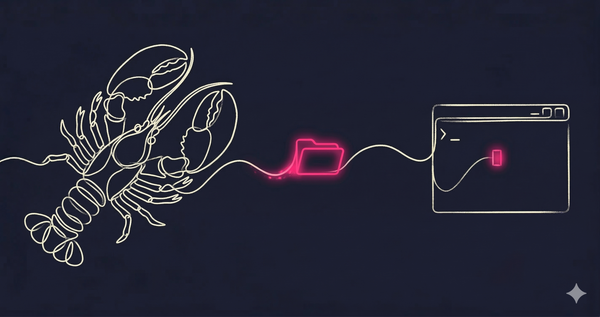
Because Claude Code is not just a code writer. It is a file operator. It can create, move, rename, and reorganize files and folders based on rules you describe in plain English. And that is exactly what you need when you have ten years of notes dumped into random directories.
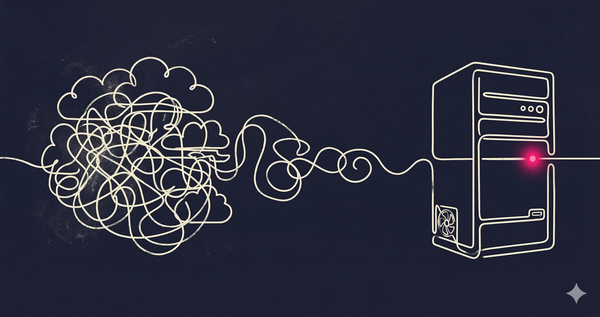
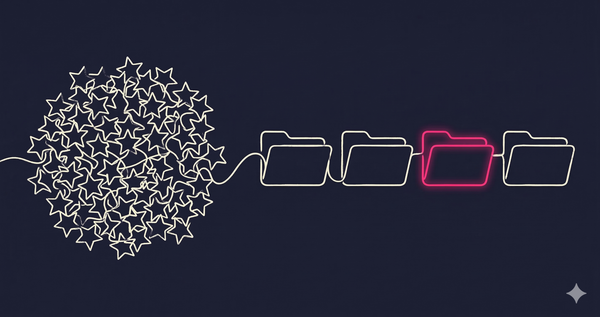
I had a "Random" folder with about 200 meeting notes in it. No dates, no categories, just filenames like "meeting.md" and "notes from call.md". I pointed Claude at it and said: organize these by year and topic. Thirty seconds later, everything was sorted into folders by year, with subfolders for project names extracted from the content. Internal links added where notes referenced each other.
I had a massive text dump from my Evernote export. One giant file with years of notes jammed together. Claude split it into individual markdown files, cleaned up the formatting, added frontmatter with dates, and organized them into a folder structure that made sense.
This is the kind of work that would take hours to do manually and about two minutes with Claude Code. It is grunt work, but it is the kind of grunt work that makes the difference between a note system you actually use and one that slowly becomes another digital junk drawer.
Sync with Git
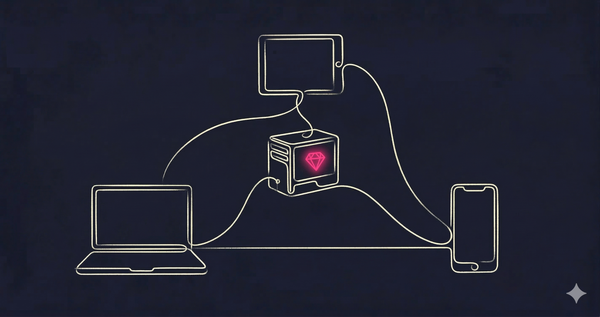
Last piece: how do I keep notes in sync across my personal laptop, work laptop, and phone?
Obsidian has an official sync service. It costs money. I am a software engineer. I have Git. So I use Git.
My Obsidian vault is a Git repo on GitHub (private, obviously). On desktop, I use the Obsidian Git plugin that auto-commits and pushes every few minutes. On mobile, I use Working Copy (iOS) which syncs the repo and opens it in the Obsidian mobile app.
This gives me:
- Sync across all devices, including work machines where I cannot install iCloud
- Full version history of every note. Want to see what a note looked like six months ago?
git log - Reliable backups. It is on GitHub. It is on every device that has cloned the repo. My notes are not going anywhere.
Is it as smooth as Apple Notes sync? No. Sometimes you get a merge conflict if you edit the same note on two devices at the same time. But I have been using this for over a year and it has happened maybe twice. And when it does, it is a Git merge conflict. I know how to deal with those.
Update: I have since replaced Git sync with CouchDB LiveSync running on my own server. Real-time sync, no merge conflicts, no GitHub dependency. Worth checking out if the Git workflow feels clunky to you.
The Setup Today
Obsidian vault (local .md files)
├── Git sync via GitHub (private repo)
├── Obsidian Git plugin (auto-commit + push)
├── Working Copy on iOS for mobile sync
├── Claude Code for bulk reorganization
└── Plugins: Calendar, Templates, Daily Notes, Kanban
What I Learned After Ten Years of Note Apps
- Writing is thinking. If your brain is spinning, put it on paper. Or screen. Anything. The act of externalizing a thought makes it smaller and more manageable.
- Own your notes. If you cannot export your data in a standard format without jumping through hoops, you do not own it. The company does.
- Obsidian works because it stays out of the way. It is just files. You can build whatever system you want on top of that, and if Obsidian disappears tomorrow, your notes are still right there on your disk.
- Git is not just for code. It is a sync and versioning tool. If your data is text files, Git handles it perfectly.
- AI agents like Claude Code are ridiculously useful for organizing unstructured data. Do not sleep on using them for non-code tasks.
- The best note system is the one you actually use. Fancy setups that you abandon in three months are worth less than a simple folder of text files you open every day.