I Had 1,000+ Browser Bookmarks. Claude Code and Vimium Fixed That.
Over a thousand bookmarks. Folders called Temp and Temp 2. Claude Code reorganized the JSON in 30 minutes. Vimium made the browser actually usable.

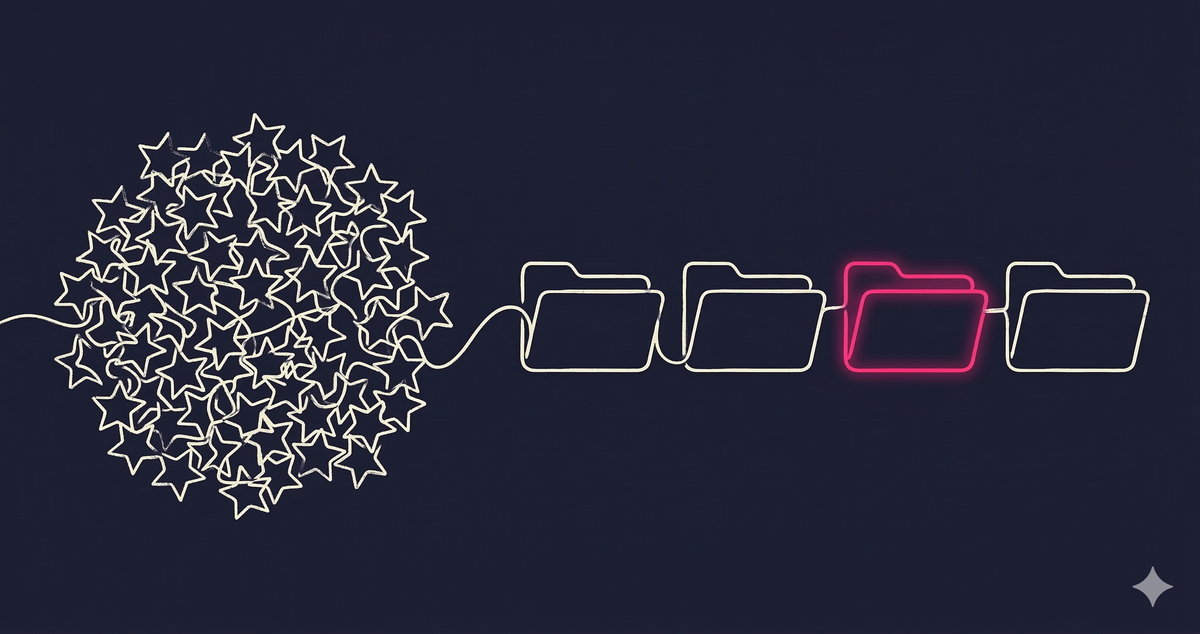
I had over a thousand bookmarks in Edge. I am not proud of this. Every time I thought "I might need this later", I hit Ctrl+D and threw it into whatever folder was closest. Sometimes no folder at all. Just straight into the root. Like throwing clothes on the floor and telling yourself you will organize them this weekend.
I never organized them that weekend.
After a few years of this, my bookmarks bar looked like a crime scene. Folders nested inside folders. Duplicates everywhere. Links to documentation pages that no longer exist. Bookmarks from three jobs ago. A folder called "Temp" with 200 items in it. A folder called "Temp 2".
I finally snapped and decided to fix this. And honestly? It turned out to be one of the most satisfying things I have done in a while.
The File Behind the Chaos
On macOS, Edge keeps all your bookmarks in a single JSON file:
~/Library/Application Support/Microsoft Edge/Default/BookmarksI opened it. Thousands of lines. Nested folders going five levels deep. URLs I did not remember saving. Metadata fields I did not know existed. It was like finding a time capsule of every random article and Stack Overflow answer I ever glanced at.
There was no way I was editing this by hand. Life is too short for manual JSON surgery on a 3,000-line file.
Letting Claude Code Do the Heavy Lifting
This is where Claude Code earned its keep. Most people think of it as a coding tool, but it is genuinely great at structured data wrangling. I loaded a copy of the bookmarks file (never the live one, obviously) and let Claude go to work.
First, I asked it to map out the structure. How many bookmarks, how many folders, where is everything. Then I had it flatten the whole thing into a TSV so I could actually see the mess: path, name, URL, type, GUID. Every bookmark, one line. That is when the duplicates became painfully obvious.
Then I told Claude what I wanted the new structure to look like. Top-level shortcuts for things I use daily. Organized folders for everything else. Clear rules like "all Jira links go here" and "all GitHub repos go there".
Claude generated a dry-run plan first. Old path to new path for every single bookmark. I reviewed it, tweaked a few things, and then let it write the new JSON. All GUIDs and timestamps preserved so Edge sync would not freak out.
Total time: maybe 30 minutes. For something I had been avoiding for literally years.
The Result
Top-level bar now has only the things I actually click every day: GitHub, Jira, dev/staging/prod dashboards, ArgoCD, Hacker News (priorities, right?).
Everything else lives in clean folders: Work, Learning, Reading, Watch List, Personal. No more "Temp". No more "Temp 2". No more 200 unsorted bookmarks floating in the void.
But reorganizing the bookmarks was only half the upgrade.
Vimium Changed How I Use the Browser
If you do not know Vimium, it is a browser extension that gives you Vim-style keyboard navigation. Sounds nerdy. It is nerdy. But hear me out.
You know that thing where you start typing in the address bar, and Chrome or Edge suggests the one link you do not want? And then you type more and it suggests something else you do not want? And you end up clicking through three autocomplete suggestions before giving up and just googling it?
Vimium kills that entire workflow. You set up custom search engines and bookmark shortcuts, and then you jump anywhere in two keystrokes:
o + pr      → my open pull requests on GitHub
o + jira    → Jira board
o + dashdev → dev environment dashboard
b + term    → search all bookmarks instantly
The o key opens a search, b searches bookmarks. You type a keyword and you are there. No mouse, no scrolling, no address bar roulette. Once you get used to this, going back to normal browser navigation feels like walking through mud.
The combination of clean bookmarks plus Vimium shortcuts turned my browser from a mess into something that actually works the way my brain works. Fast and direct.
What I Learned
- Claude Code is not just for writing code. Anything that involves structured data, files, and rules, it handles it. Bookmarks, configs, JSON, organizing ten years of notes, whatever.
- Always work on a copy. Never edit the live bookmark file. One bad JSON comma and Edge acts like your bookmarks never existed.
- Preserve metadata (GUIDs, timestamps) when reorganizing. That is what keeps browser sync from losing its mind.
- Vimium is one of those tools that sounds like overkill until you try it. Then you cannot go back. Seriously, install it.
- The things you keep avoiding are usually the things that feel the best when you finally do them.